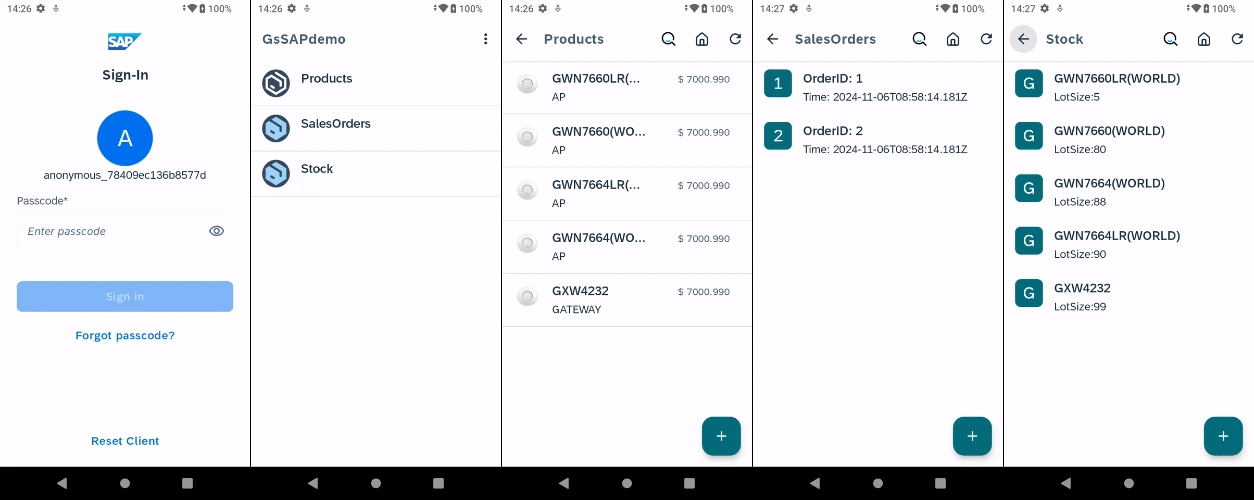
This guide explains how to use the prebuilt SAP Demo app with the SAP test server environment managed by saptest@grandstream.cn.
Ensure the Server is Running
Before proceeding, verify that the account status and backend services are active.
- Log in to SAP Cockpit.
- Log in using the account saptest@grandstream.cn (you can obtain the password from saptest@grandstream.cn).
- Navigate to Sub-accounts and enter the Trial Home page.
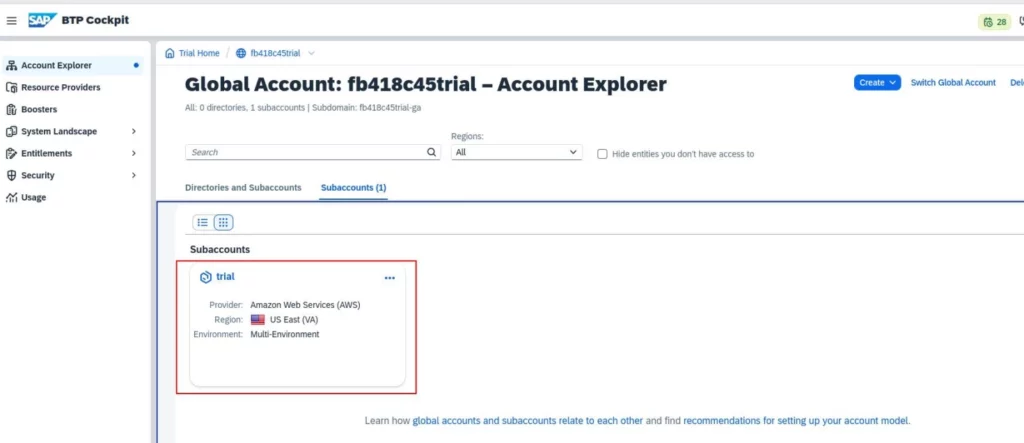
- Find out the running application instance at the Trial Home page as shown below:
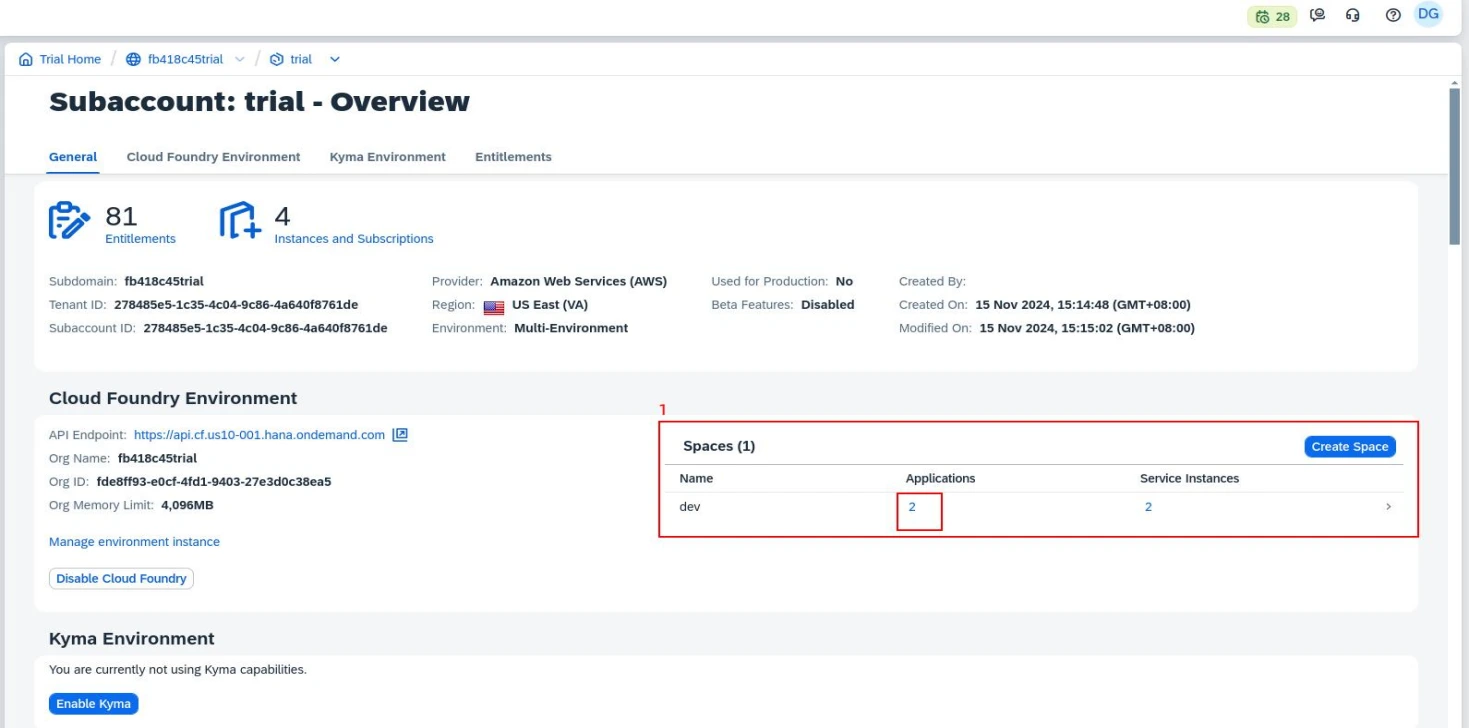
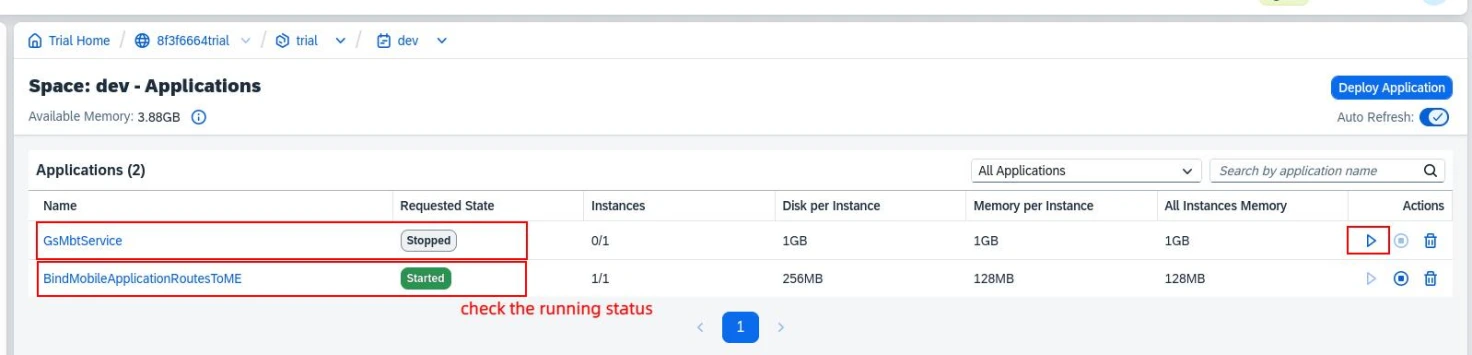
- Ensure the following two services have a status of “Started”. If either service is not running, click the Start icon to activate it.
Install the SAP Demo Application
Download and Install GsSAPdemo.apk
- Download the GsSAPdemo.apk file through this link.
- Install the application using either of the following methods:
– TF Card: Copy the APK file to a TF card and install it manually.
– ADB Command: Run the following command in your terminal:
adb install GsSAPdemo.apkLaunch the Application
- Once the installation is complete, open the GsSAPdemo app via the Launcher on the WP856 device.
- During the first launch, you may need to set up a PIN.
- After setup, you will have access to the main screen with SAP services.