Overview
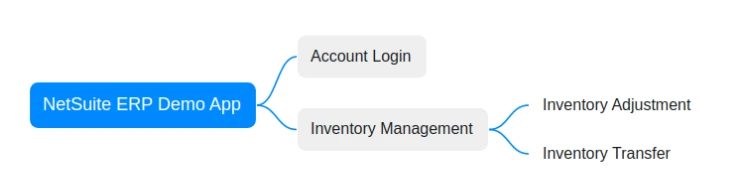
This guide explains how to use the NetSuite ERP Demo application to help users navigate it accurately and efficiently.
Preparation
Users need to prepare some necessary applications/tools before using the Demo application, otherwise, the application may not function properly.
- Download and install the Netsuite ERP Demo App using this link.
- Install browser: Since login authorization relies on the OAuth 2.0 Authorization Code Grant Flow, which requires opening the NetSuite official login page for authentication, please ensure that a compatible browser is installed.
- Install Authenticator Apps: Due to NetSuite logging in using Two-Factor Authentication (2FA), please ensure to use an authenticator application for roles that require 2FA. You can select an authenticator app from the vendor of your choice, as long it complies with the OATH TOTP standard. The following mobile phone apps are suggested: Oracle Mobile Authenticator, Google Authenticator, Microsoft Authenticator, OKTA Verify.
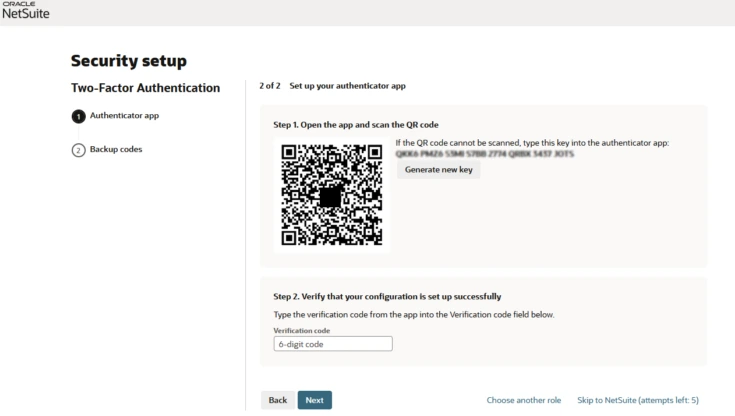
In addition, the authenticator app requires registration of the corresponding account, which can be completed by scanning the registration QR code (during the account registration process, the email will receive this registration QR code), as shown below:
Using the NetSuite ERP Demo App
Account Login
The account login process for the Demo application is as follows:
- The browser will automatically open the NetSuite login webpage after clicking the “Login” button .
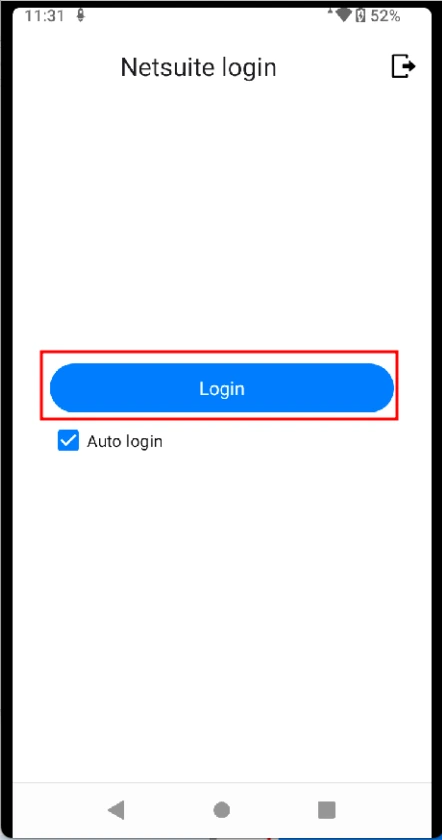
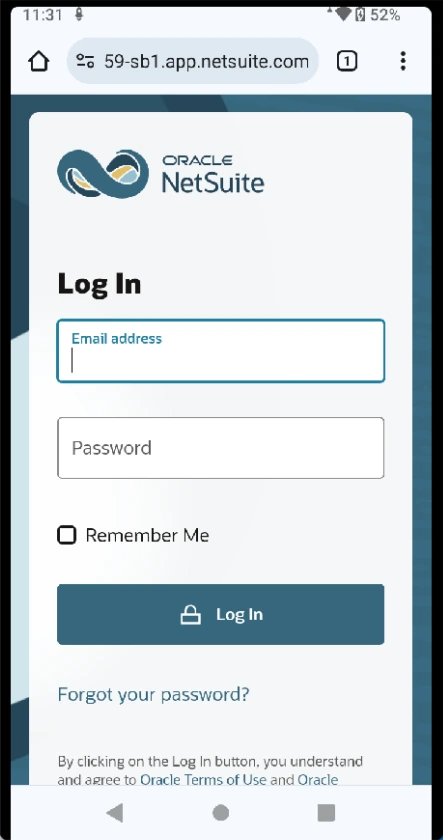
- Fill in the “account/password” and click the button to login.
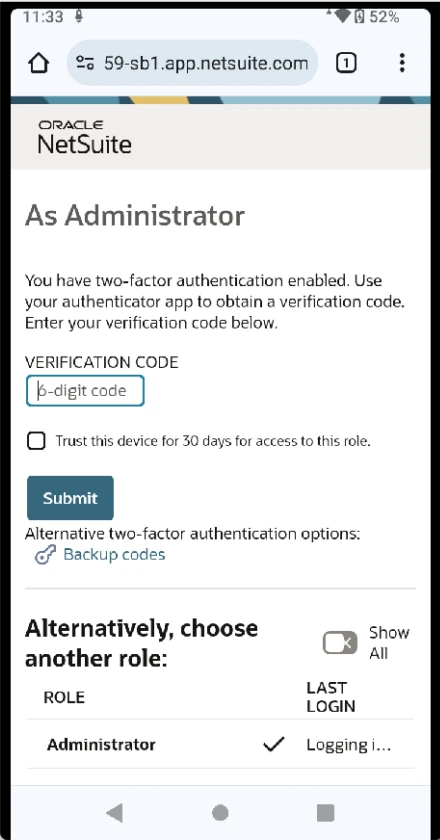
- Enter and submit the verification code of the Authenticator app.
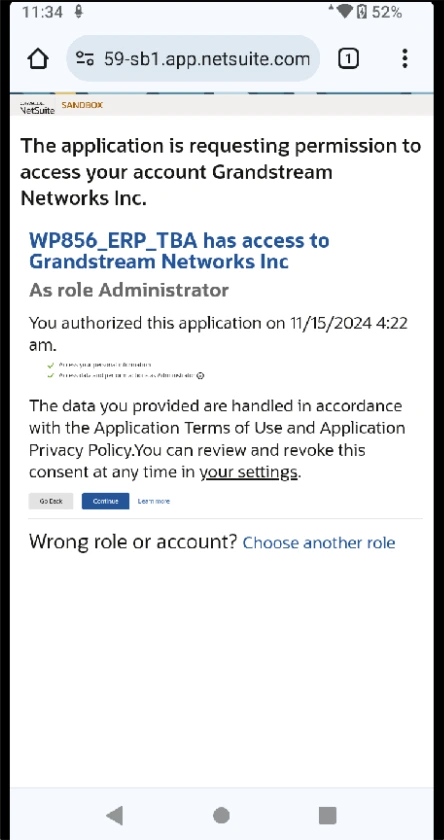
- Confirm the authorized access information.
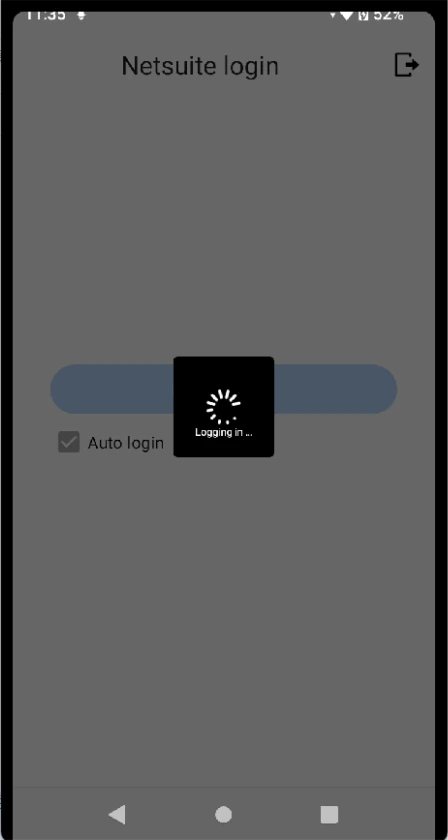
- The browser will automatically return to the Demo application login page after confirming authorized access. The application will complete the OAuth 2.0 Authorization Code Grant Flow with the authorized access result and finally jump to the user home page.
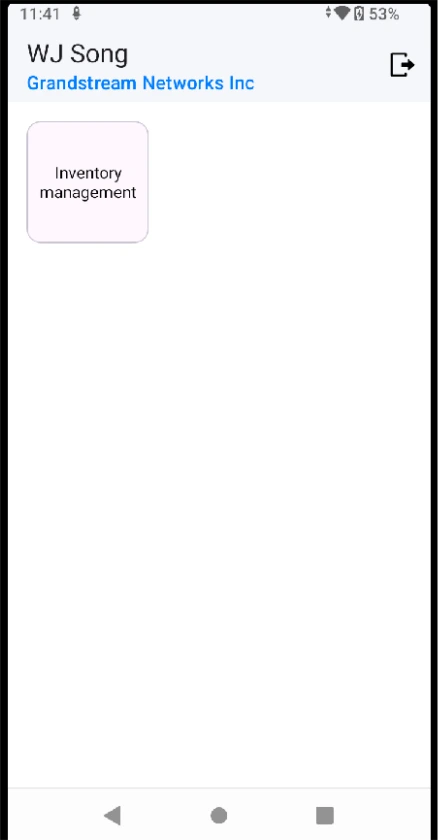
Inventory Management
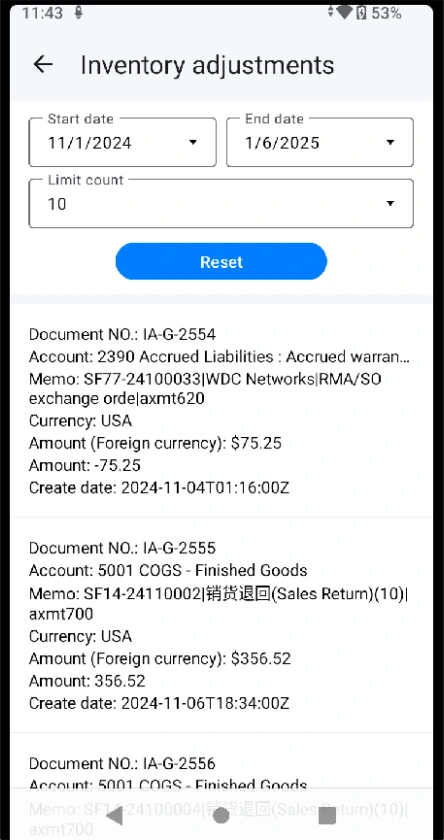
Inventory Adjustment
- Query inventory adjustment records:
Inventory Transfer
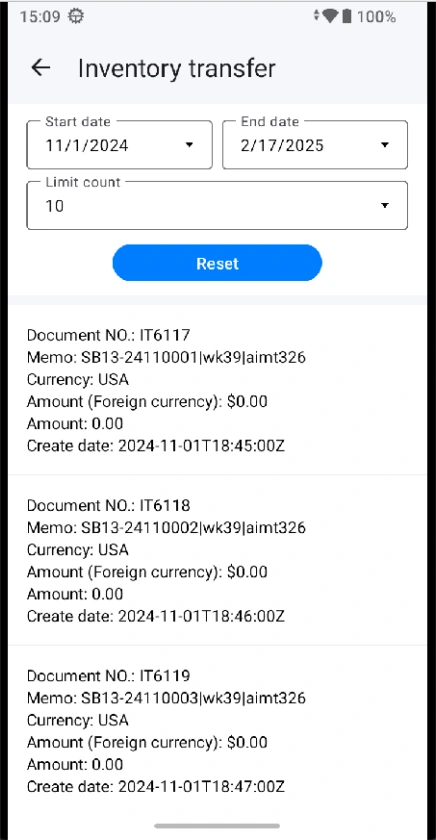
- Query inventory transfer records: